Coinbase Prime
Step 1: Create read-only API keys in Coinbase Prime
Follow the Coinbase instructions here to create a read-only API key: https://help.coinbase.com/en/prime/coinbase-prime-api/creating-a-coinbase-prime-api
Step 2: Add your API keys to Integral
Log into Integral
In the side panel, navigate to Wallets >
+WalletSearch for Coinbase Prime in the list (link)
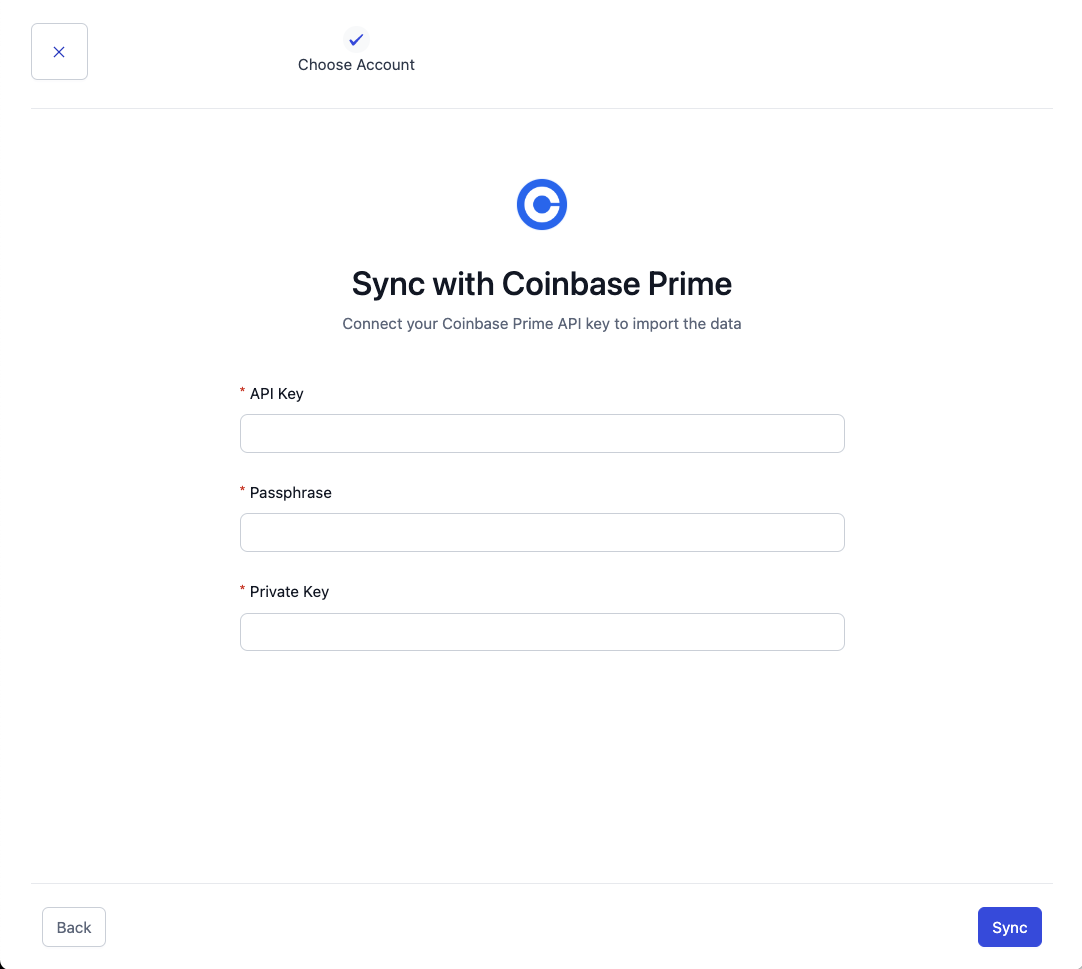
Paste in your API Key, Passphrase, and Private Key (Secret).
Click “Sync”
It may take a few minutes for all your transactions to load into Integral. You can see transactions trickle in from the Bookkeeping page.
Transactions are done loading when your Unrealized Gain/Loss and Transaction Count appear in the Treasury page.